Bot Rotation
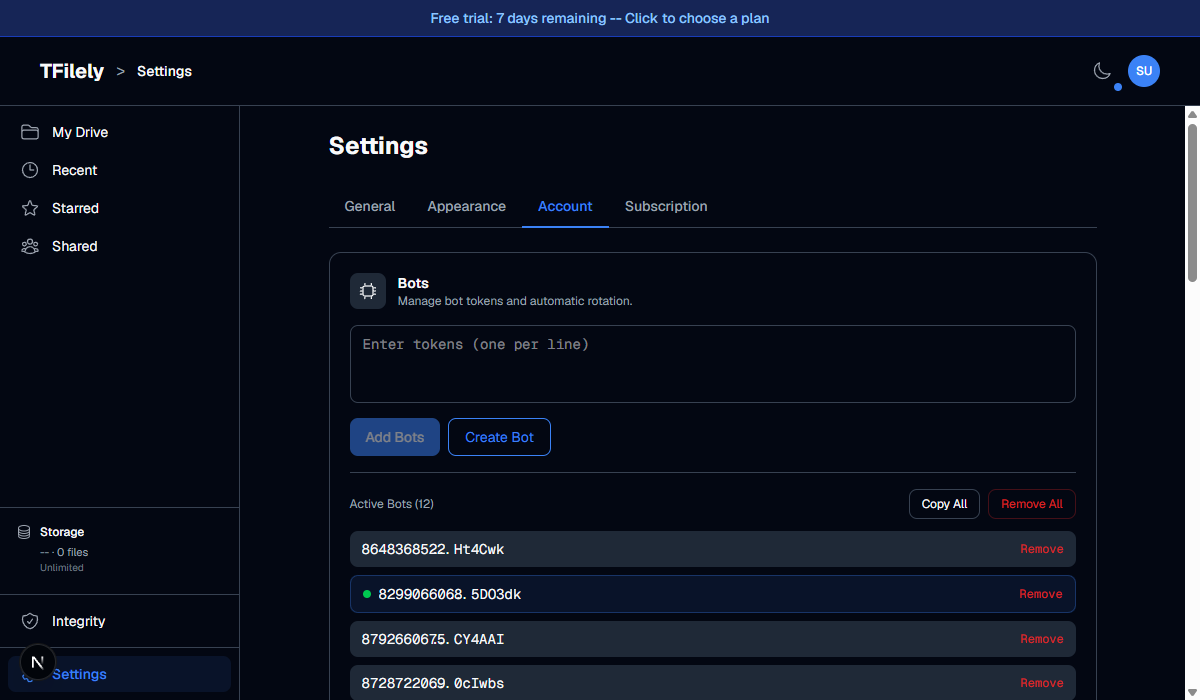
Automatically cycle through Telegram bots to prevent rate limiting.
What is Bot Rotation?
Telegram limits how many API calls each bot can make per minute. If a single bot handles all your uploads and downloads, it may get rate-limited, causing slow or failed operations.
Bot rotation solves this by automatically switching to a different bot at regular intervals. TFilely supports only one active bot at a time, so rotation replaces the current active bot with the next one in your pool.
How it Works
- You add multiple bot tokens to your rotation pool.
- At the configured interval, the system removes the current active bot.
- The next bot in the pool is activated.
- When the end of the pool is reached, rotation wraps back to the first bot.
Settings
| Setting | Description |
|---|---|
| Enable auto-rotate | Turn automatic rotation on or off. |
| Rotation interval | How often to switch bots (in minutes). Recommended: 30 minutes. |
| Manual rotate | Click to immediately switch to the next bot. |
| Status display | Shows the currently active bot and a countdown to the next rotation. |
Recommendations
- Use at least 6 bots for smooth rotation.
- Set the interval to 30 minutes for a good balance between freshness and stability.
- Rotation runs on the server, so it works 24/7 even when your browser is closed.