Sorting & Filtering
Sort files by name, date, or size, and filter by category.
Sorting
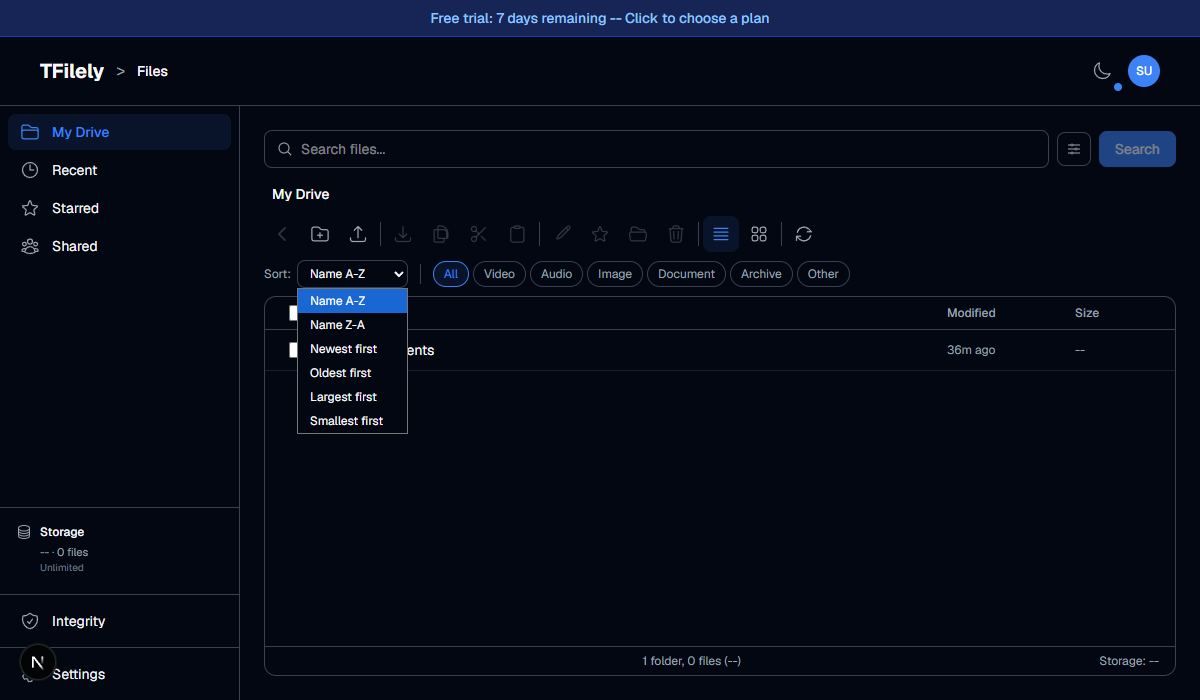
Click the sort button in the toolbar to open the sort dropdown. Available options:
| Option | Description |
|---|---|
| Name A-Z | Alphabetical, ascending |
| Name Z-A | Alphabetical, descending |
| Newest first | Most recently modified at the top |
| Oldest first | Oldest modified at the top |
| Largest first | Biggest files at the top |
| Smallest first | Smallest files at the top |
Folders always appear before files, regardless of sort order.
Category Filters
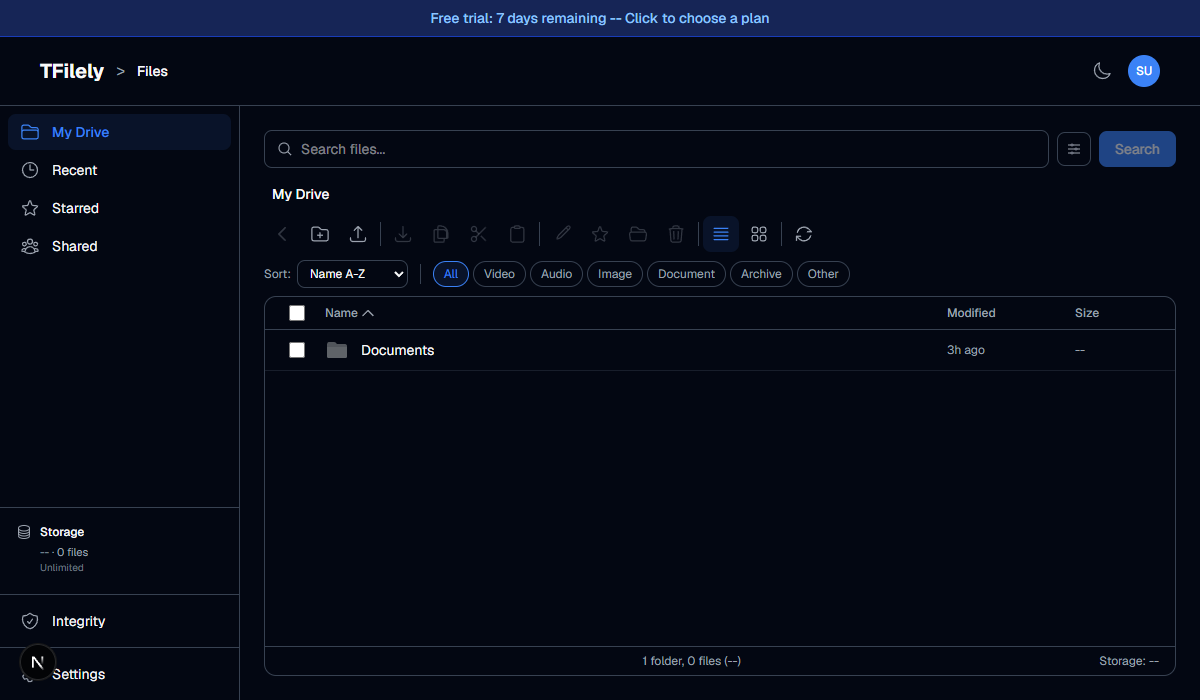
Filter chips appear in the toolbar. Click a chip to show only files of that category:
- All -- show everything (default)
- Video -- .mp4, .mkv, .avi, .mov, etc.
- Audio -- .mp3, .flac, .wav, .ogg, etc.
- Image -- .jpg, .png, .gif, .webp, etc.
- Document -- .pdf, .doc, .txt, .xlsx, etc.
- Archive -- .zip, .rar, .7z, .tar, etc.
- Other -- files that do not match any category
Combining Sort + Filter
You can use sort and filter together. For example, filter by "Video" and sort by "Largest first" to find your biggest video files.