Folder Management
Create, navigate, and organize folders.
Creating Folders
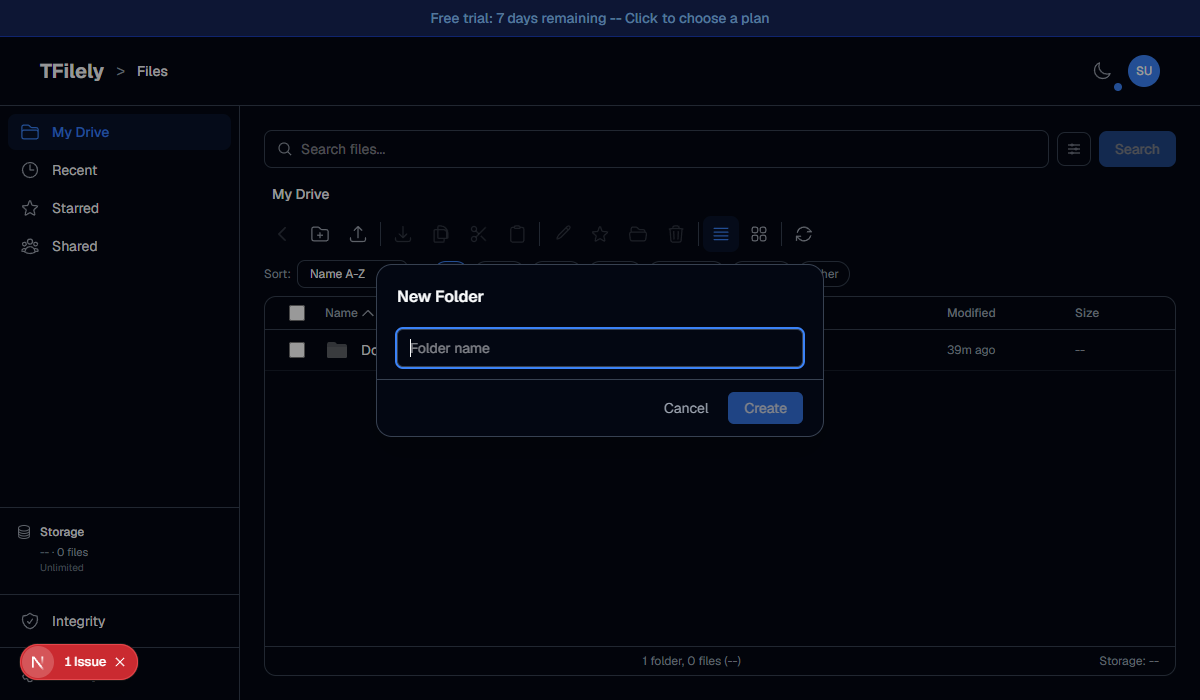
Click the New Folder button in the toolbar, or right-click empty space and choose New Folder. Enter a name and click Create.
Navigating Folders
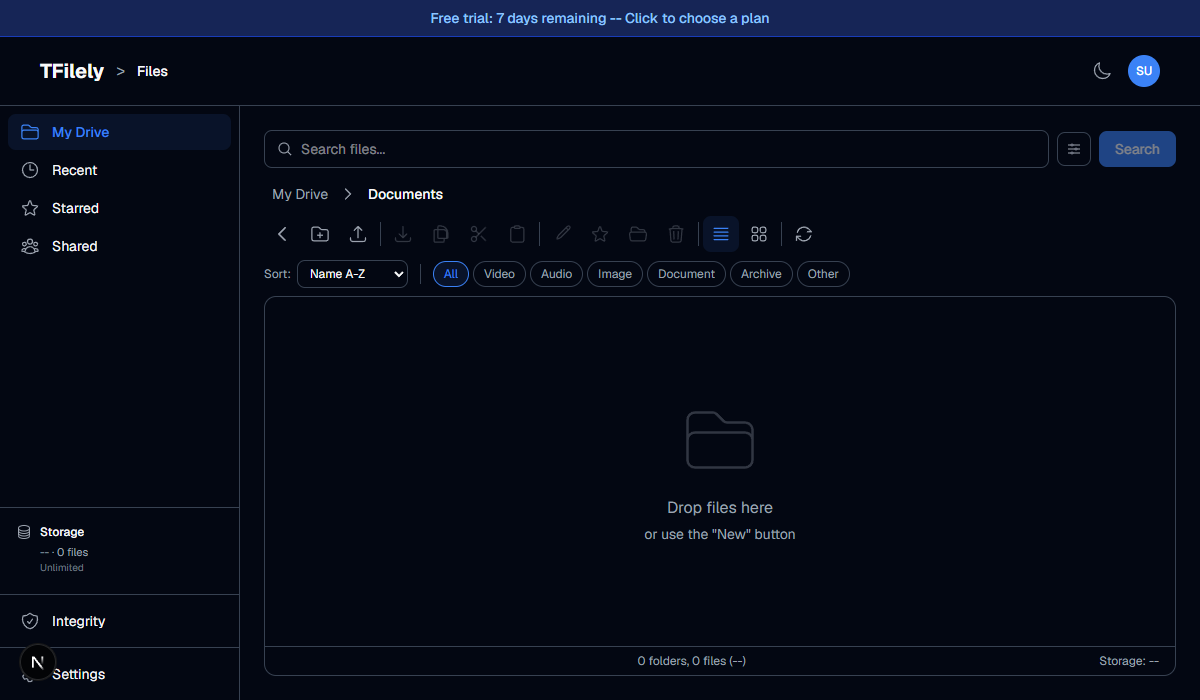
- Enter a folder -- double-click the folder to open it.
- Breadcrumbs -- the path at the top shows your current location. Click any breadcrumb segment to jump to that folder.
- Back button-- click the back arrow or use your browser's back button to go up one level.
Nested Folders
You can create folders inside folders to any depth. The breadcrumb trail updates to show the full path. There is no limit on nesting depth.
Folder Operations
Folders support the same operations as files: rename, move, and delete. Deleting a folder deletes all files and subfolders inside it. This cannot be undone.