Starring Files
Mark important files and folders for quick access.
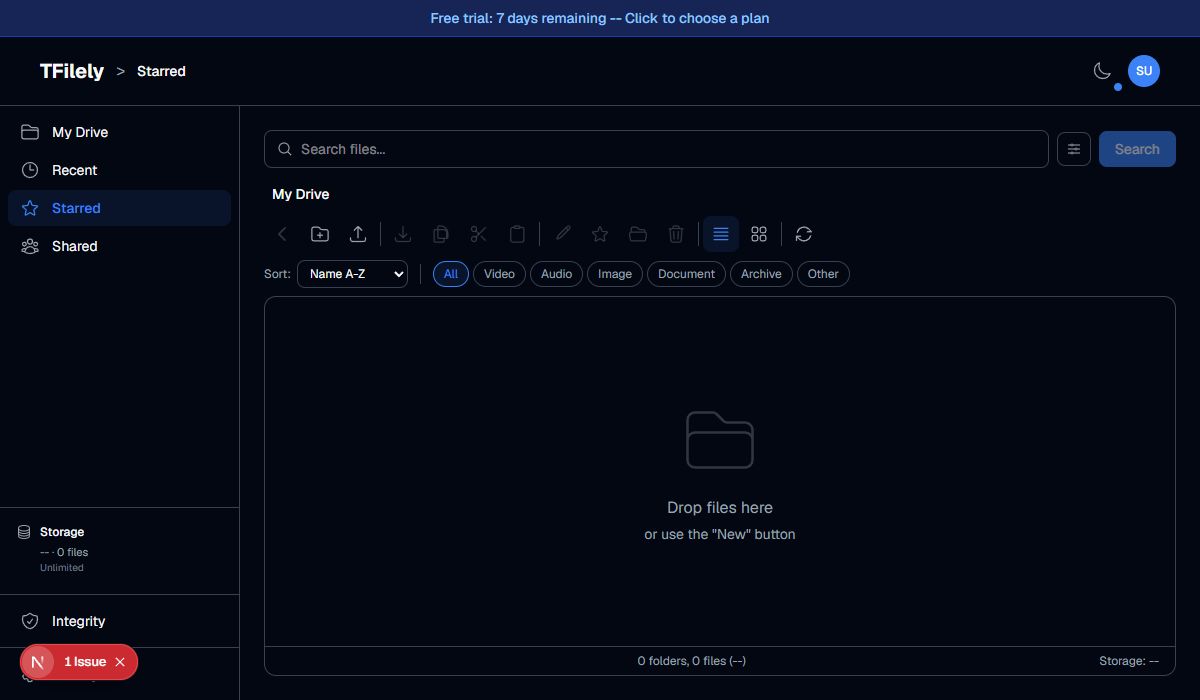
How to Star a File
- Right-click a file or folder and select Star.
- A star icon will appear next to the file name.
- To remove the star, right-click and select Unstar.
Accessing Starred Files
Click Starred in the sidebar to view all your starred files and folders in one place. This works as a quick-access list -- the files remain in their original folders.