Create an Account
Sign up for TFilely to start using unlimited file storage on Telegram.
Steps
- Go to tfilely.com and click Get Started or Start Free Trial.
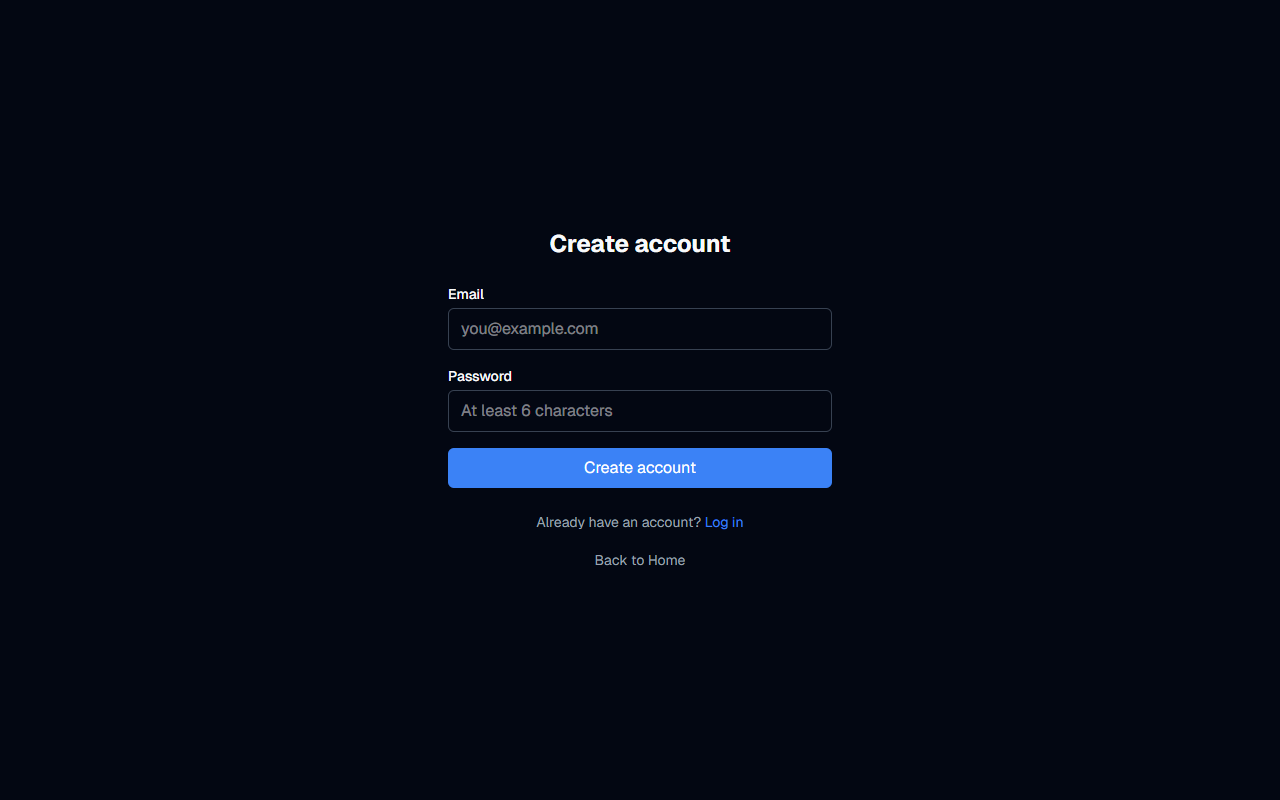
- Enter your email address and choose a password (minimum 6 characters).
- Click Create account.
- Check your email inbox for a verification link from TFilely. Click the link to verify your email address.
- Once verified, you can log in and start using TFilely.
Free Trial
Every new account includes a 7-day free trial. You do not need to enter payment information to start your trial. After the trial ends, you can choose a monthly ($5.99/mo) or annual ($59.99/yr) plan.
Troubleshooting
- Did not receive verification email? Check your spam/junk folder. The email comes from TFilely via Supabase.
- Verification link expired? Try logging in. The system will prompt you to resend the verification email.