Dashboard Overview
Understand the layout and navigation of TFilely's file manager.
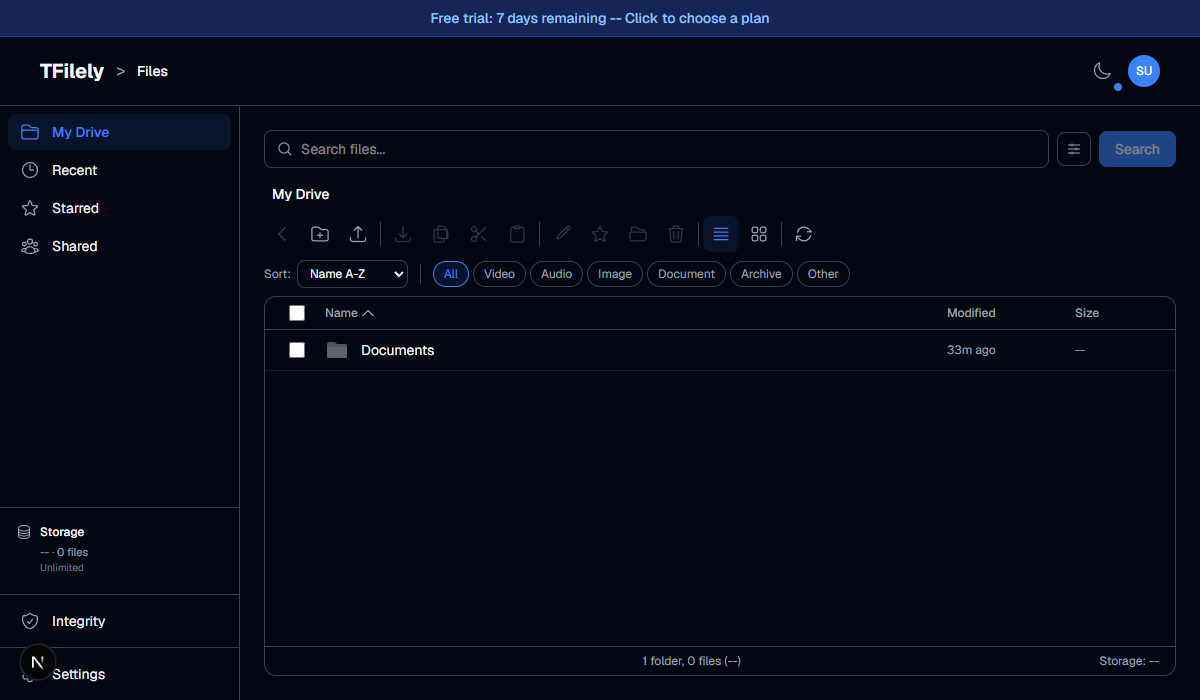
Layout
The dashboard has four main areas:
- Header -- shows the TFilely logo, current view breadcrumb, theme toggle, and your profile dropdown.
- Sidebar -- left-side navigation with My Drive, Recent, Starred, Shared, Storage, and Settings.
- Toolbar -- action buttons for uploading, creating folders, switching views, sorting, and filtering.
- File Area -- the main content area showing your files and folders.
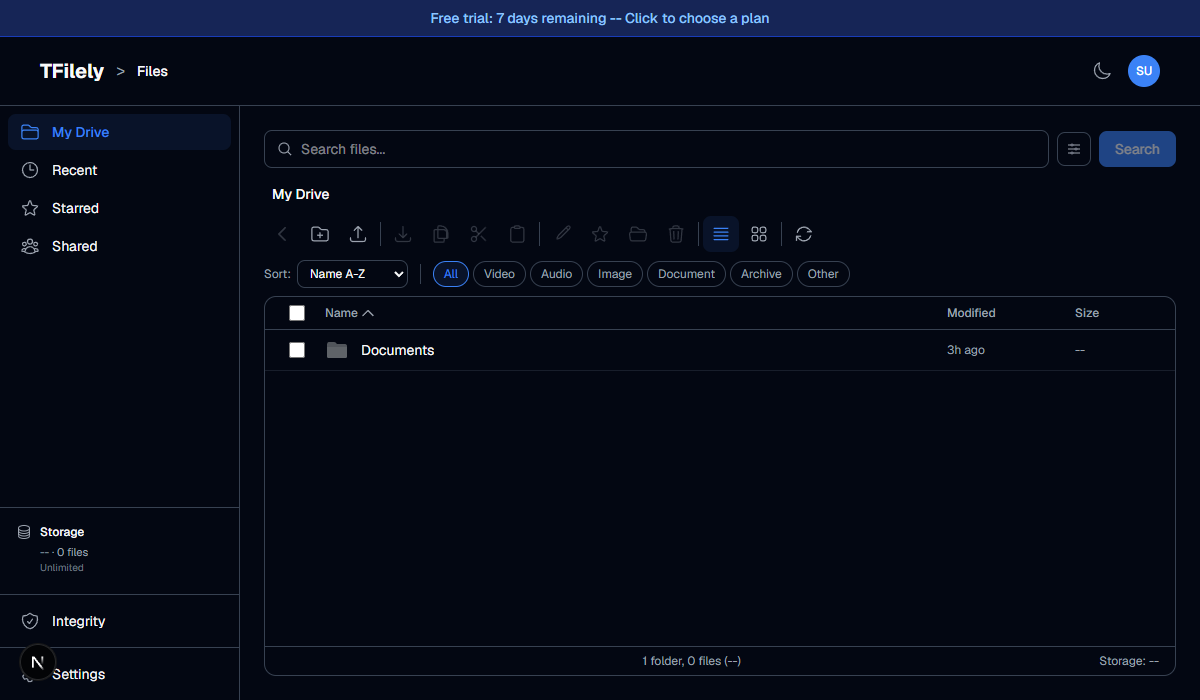
Sidebar Navigation
| Item | Description |
|---|---|
| My Drive | Your main file browser. Browse folders and files. |
| Recent | Files you have accessed recently. |
| Starred | Files and folders you have marked as favorites. |
| Shared | Placeholder for upcoming file sharing feature (coming soon). |
| Storage | Storage usage breakdown by file category. |
| Settings | Upload settings, appearance, account, and subscription. |
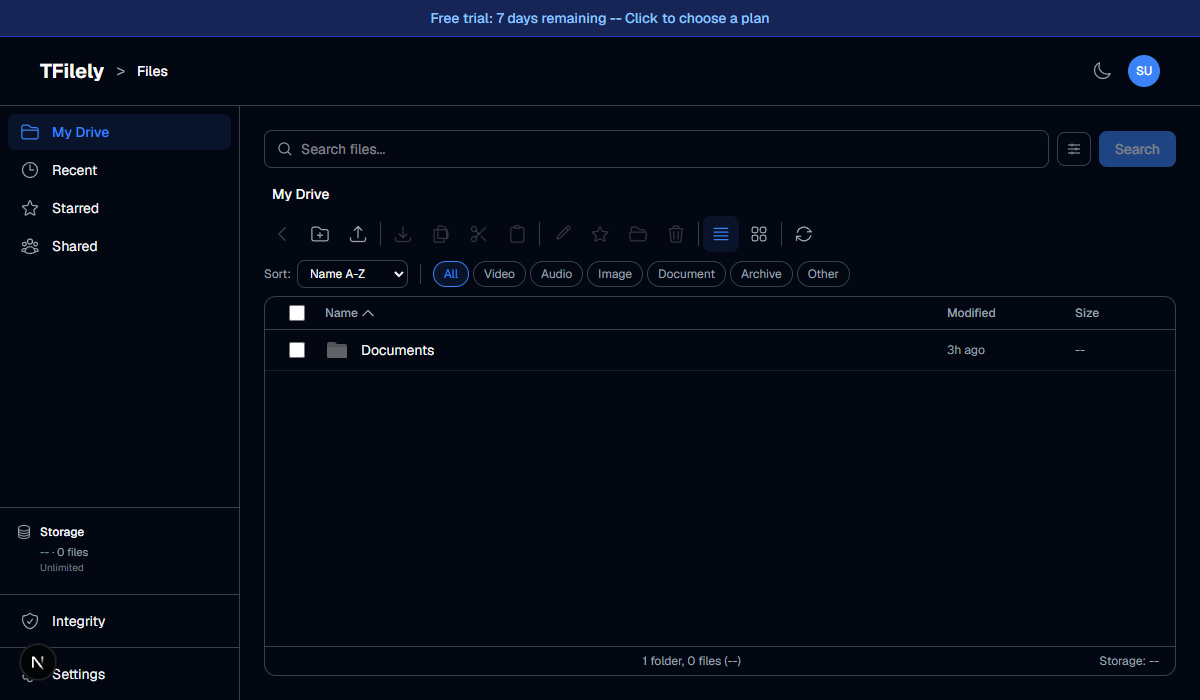
Trial Banner
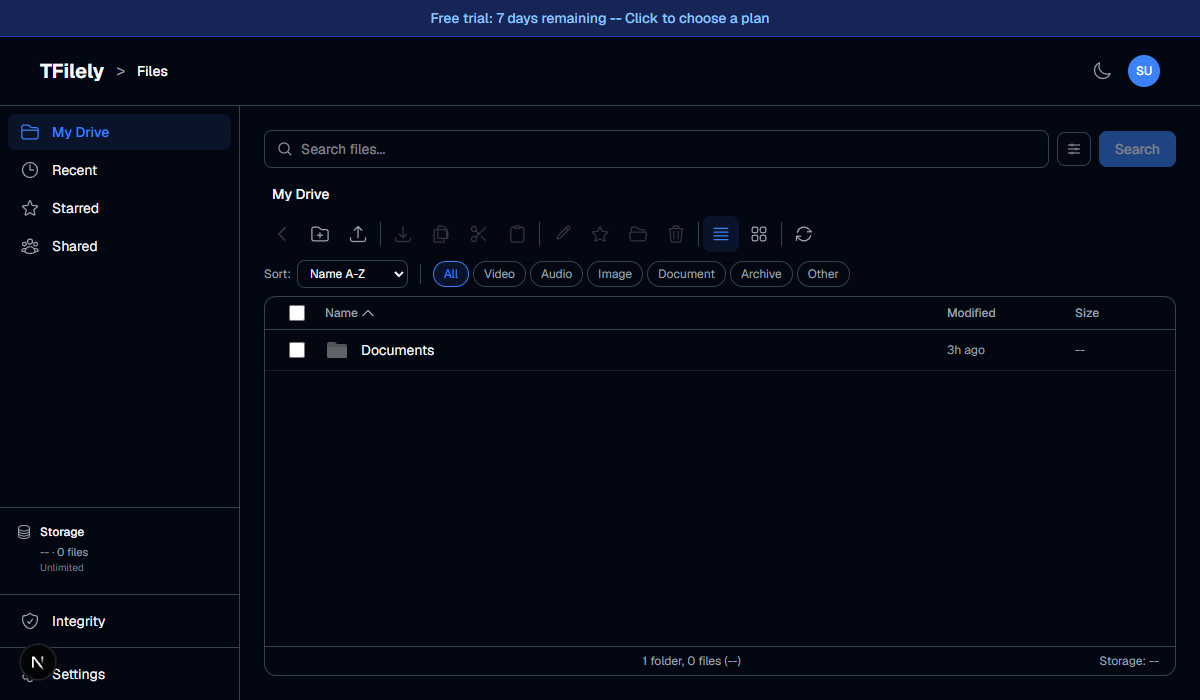
During your 7-day free trial, a banner at the top shows how many days remain. Click the banner to go to the subscription page and choose a plan.
Profile Dropdown
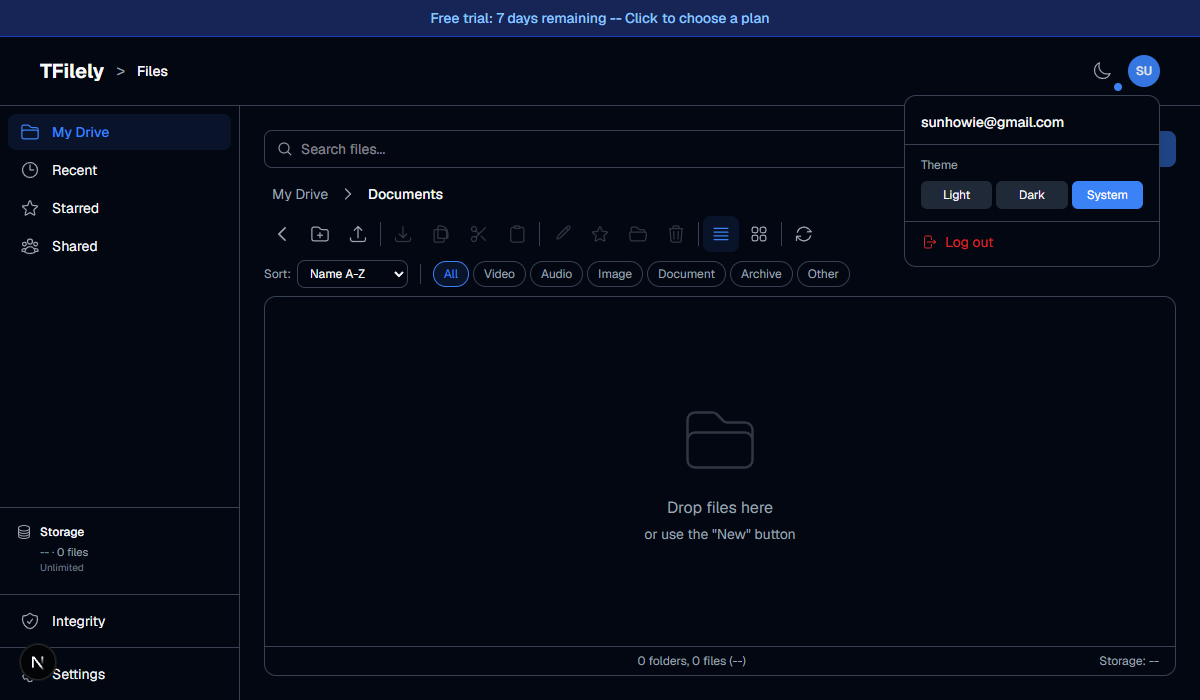
Click your avatar in the top-right corner to see the profile dropdown. From here you can access your account email, view subscription status, or sign out.