Browsing Files
Navigate your files using list view or grid view.
List View
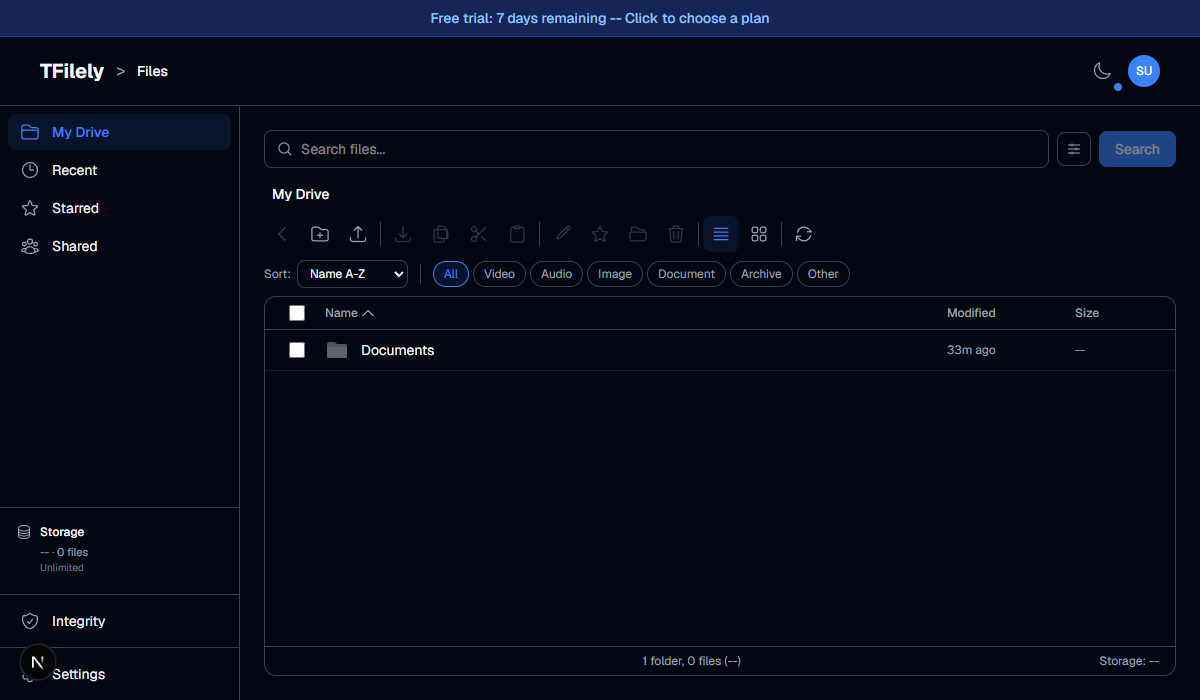
List view shows files in a table with columns for:
- Name -- file or folder name with icon
- Size -- file size (folders show dash)
- Modified -- last modified date
Grid View
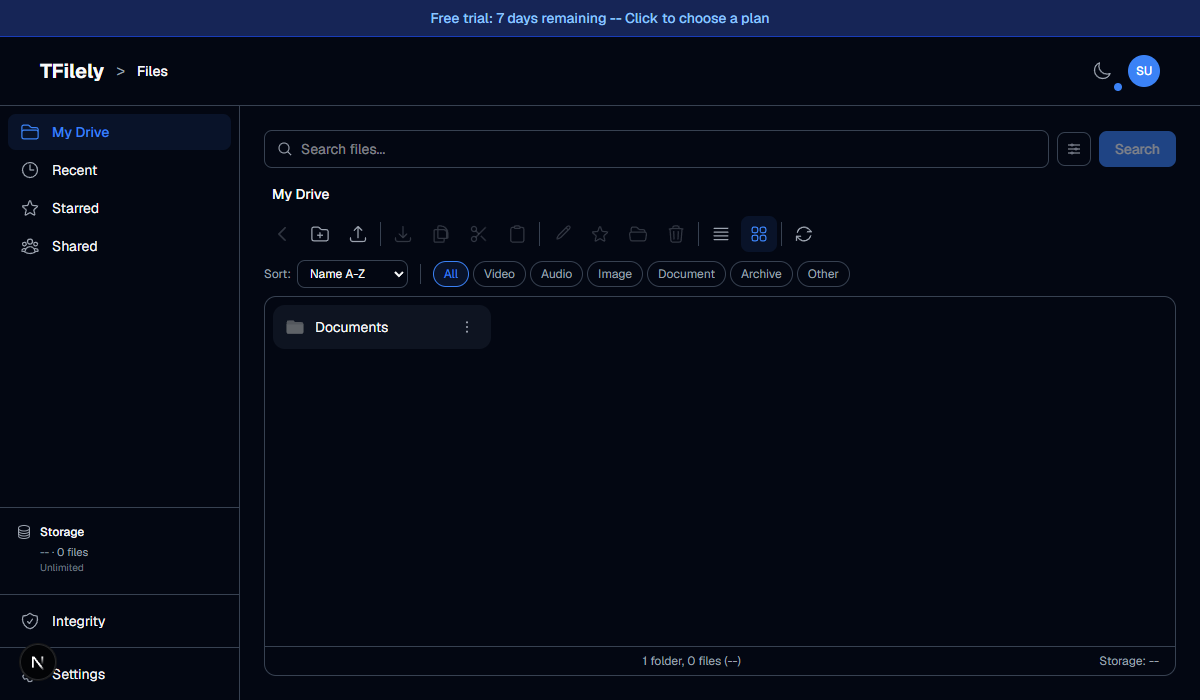
Grid view shows files as cards with thumbnails. Useful for browsing images and videos. Toggle between views using the view button in the toolbar.
Interacting with Files
| Action | Result |
|---|---|
| Click a file | Select it (checkbox turns on) |
| Double-click a folder | Navigate into the folder |
| Double-click a file | Download the file |
| Right-click | Open context menu |
| Click checkbox | Toggle selection (multi-select) |